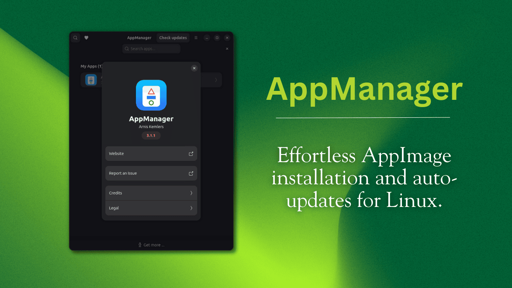
AppImages are portable Linux applications packaged in a single file that you can download and run without installation. Unlike DEB or RPM packages, they don’t require root access or system-level changes. You just make the file executable and double-click to run.
But here’s the catch. AppImages don’t actually install on your system in the traditional sense. They exist as standalone executables that you have to manage manually. There’s no automatic desktop integration, no system menu entries, and no built-in update mechanism.
This way, you are stuck manually making files executable, going through folders to launch apps, and checking for updates yourself.
That is where AppManager comes in. This is a tool that handles all that tedious legwork for you.
How is this different from AppImageManager (which just moves it to an “Applications” directory)?Is this just to make Mac users feel more at home? I mean, I don’t think anyone will be complaining (as long as it’s not forced upon us, the more weird projects the better. If you are complaining than just don’t use it, you’re not the target audience??)edit: Just read the article, yeah, it is supposed to look like macOS with the dragging to the Applications directory. Pretty neat I guess if somebody is used to macOS!
In my opinion this is horrible, why is it not enough to just drag it there? Why exactly there is a need to drag it, then drag it once more, then press install? 🤔
It emulates legacy workflow from mac os where you open an archive that contains both the app and a shortcut to applications folder. So everything is result of being designed around that one drag and drop. I assume this installer also registers the file extension so it’s doubleclick -> drag -> confirm.
Who doesn’t love tradition
It was always a stupid and dumb idea by Apple, as everything by Apple.
I’m not sure if that even was their idea, or if developers just started doing that organically.
This doesn’t make any sense? Appimages aren’t distributed like this, there is no point in making it three step operation, you won’t accidentally open this application and drag an appimage there.
Register what file extension .appimage? Would that even work? Most software on Linux only uses file extensions as a hint at best and nothing at worst because magic numbers are usually preferred. Is there any file explorer that lets you register a file handler for ELFs regardless of file extension?
sure it works, I do it with Gear Lever
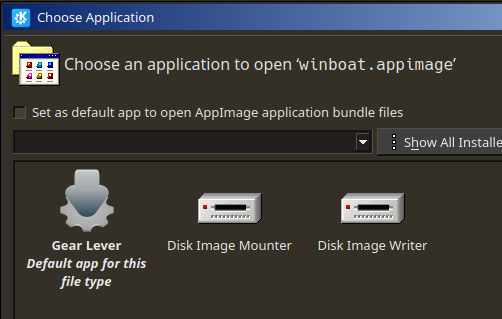
how does it compare with Gear Lever?
For me this sounds all to familiar to Pin It